Tags
Categorize experiences with tags, manage visibility, and keep descriptors up to date.
Tags
Use the Tags section to coordinate descriptors that make experiences easier to find.
Dashboard Overview
- Summary metrics show Total Tags along with breakdowns by category (Accessibility, Setting, What to Bring) and visibility (Public or Private).
- The Search tag(s)… field filters existing tags by name.

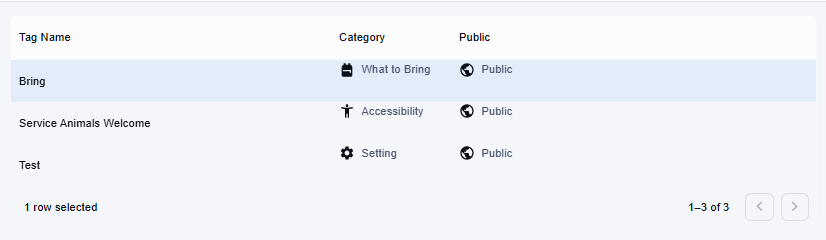
Table Columns
- Tag Name
- Category
- Public visibility status
Creating a Tag
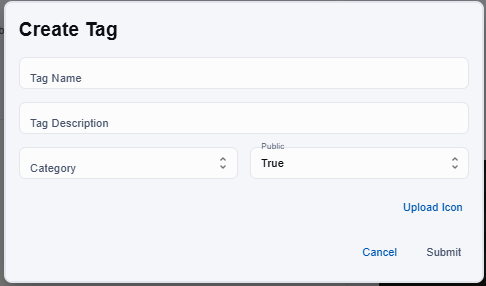
- Click New Tag.
- Provide a Tag Name, choose a Category, and decide if the tag should be Public (visible to end users) or private (internal use).
- Save the entry to append it to the list.
Editing or Deleting Tags
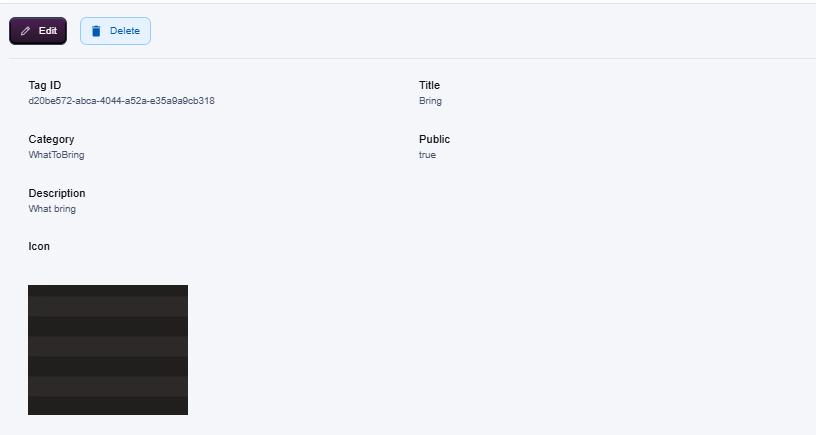
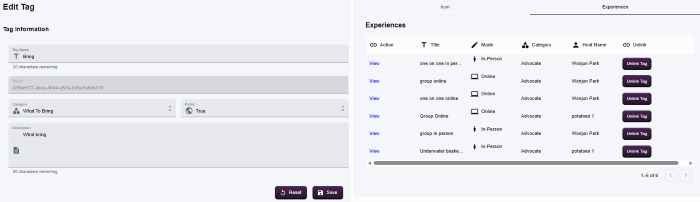
- Select a tag row to open its detail panel, then adjust the name or category as needed before saving.
- You can also unlink tags from experiences by clicking the Unlink Tag in the experiences tab.
- Use the delete/remove action carefully—removing a tag can affect how experiences are filtered and described.